Download the files.
Check the results.
Image size ceilings, exact pixels, HEIC conversion and a two-page PDF scan, measured with our actual browser tools. Every input, output and setting in this dataset is available below.
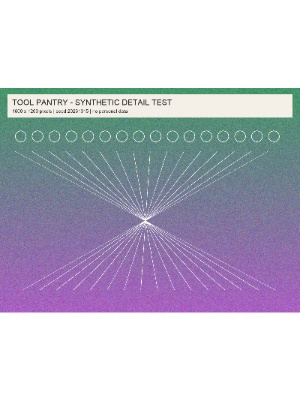
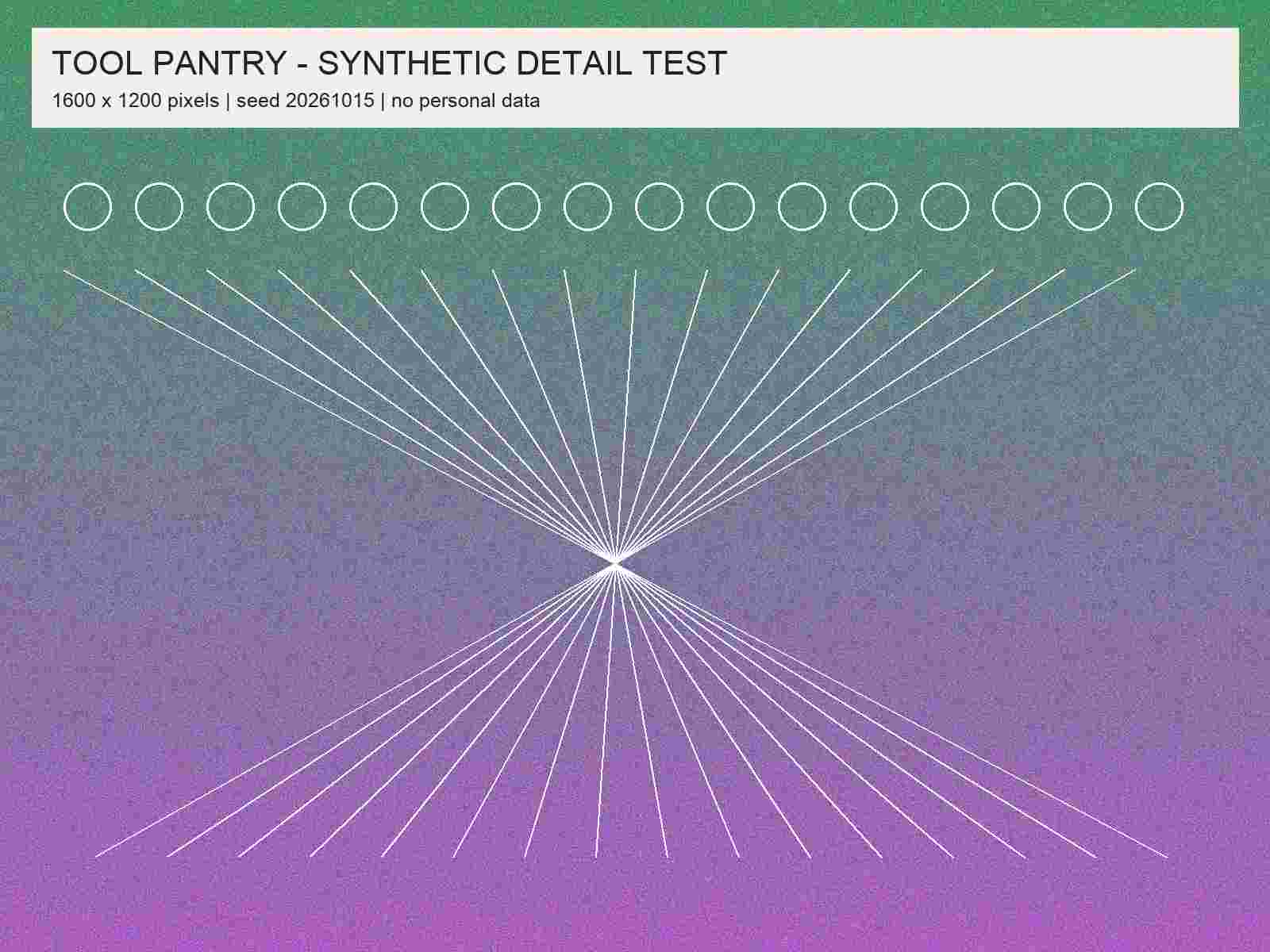
In this controlled run: one synthetic detail chart produced JPGs of 49,465, 98,489 and 198,537 bytes for 50, 100 and 200 KB ceilings. These are individual test results, not typical compression ratios.
Method and scope
Measured at 2026-10-15T08:59:59.633Z using Mozilla/5.0 (Macintosh; Intel Mac OS X 10_15_7) AppleWebKit/537.36 (KHTML, like Gecko) Chrome/155.0.0.0 Safari/537.36. Inputs are synthetic, generated with a fixed seed; the HEIC was made with macOS sips and the PDF contains two raster pages. No personal photos or documents are included. Size limits use decimal bytes: KB = 1,000 and MB = 1,000,000.
Input sizes, SHA-256 hashes and generation details · All settings, output hashes and checks (JSON) · CC0 sample license
To reproduce a row, download its input, open the linked tool, use the listed settings, then compare the output bytes and pixels. Browser encoders can produce different bytes across versions; hashes identify this recorded run, not a cross-browser guarantee. We did not measure perceptual equivalence, average photo performance or video compression.
One input, three form-size ceilings
| Tool / ceiling | Input | Measured output | Output pixels |
|---|---|---|---|
| Below 50,000 bytes | Synthetic detail chart (4,642,935 bytes) | 49,465 bytes JPG | 1360 × 1020 |
| Below 100,000 bytes | Synthetic detail chart (4,642,935 bytes) | 98,489 bytes JPG | 1600 × 1200 |
| Below 200,000 bytes | Synthetic detail chart (4,642,935 bytes) | 198,537 bytes JPG | 1600 × 1200 |
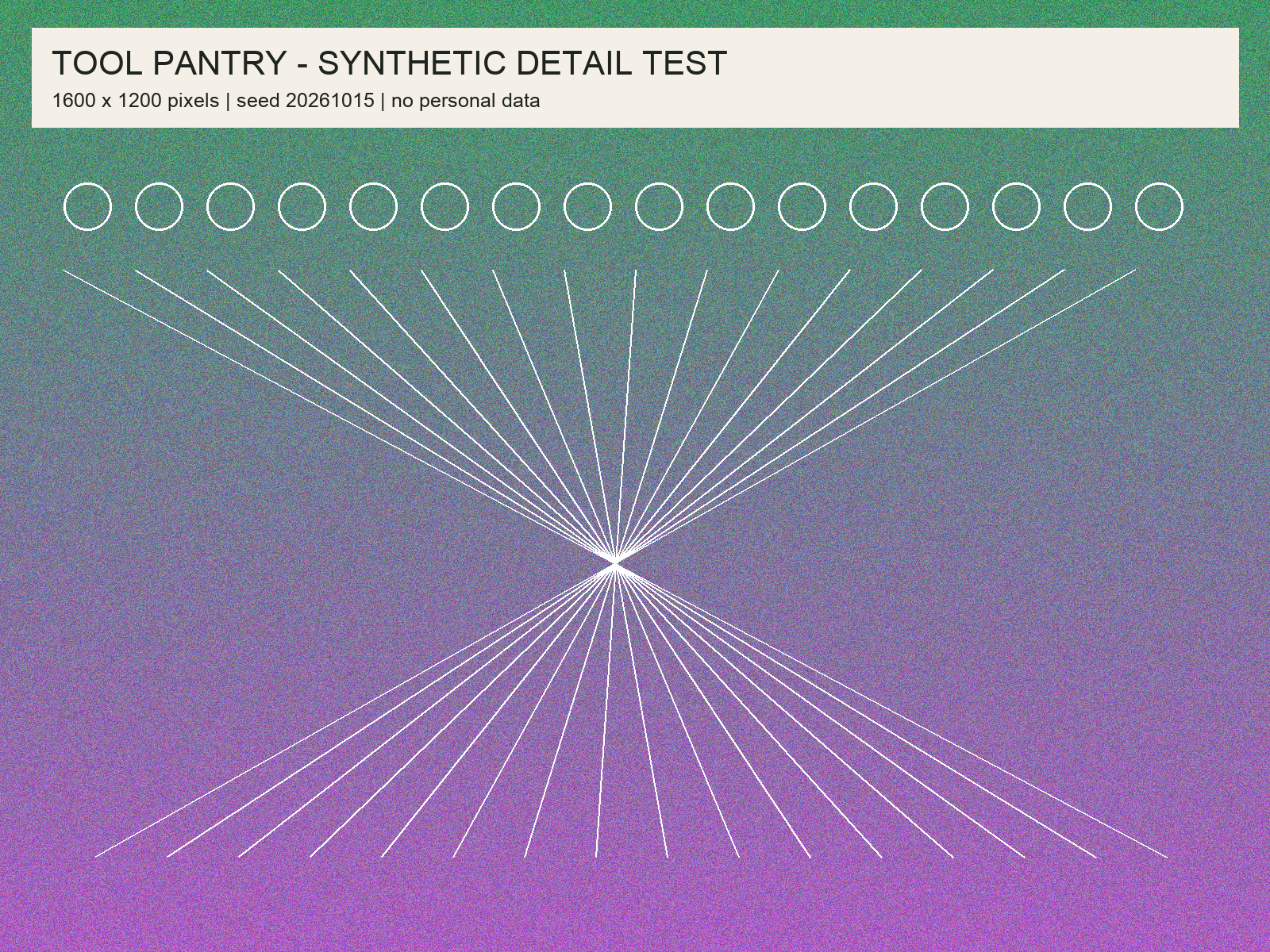
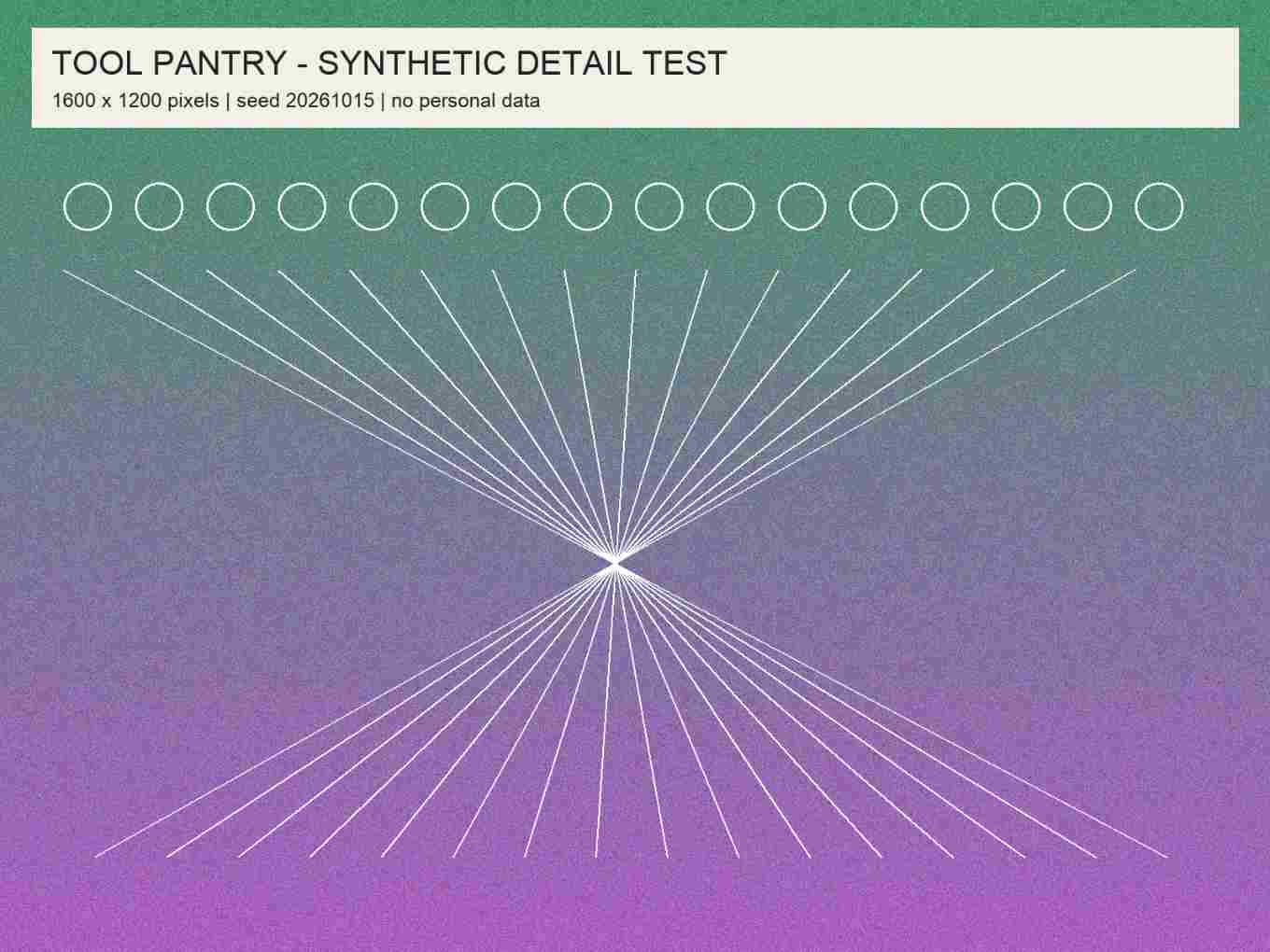
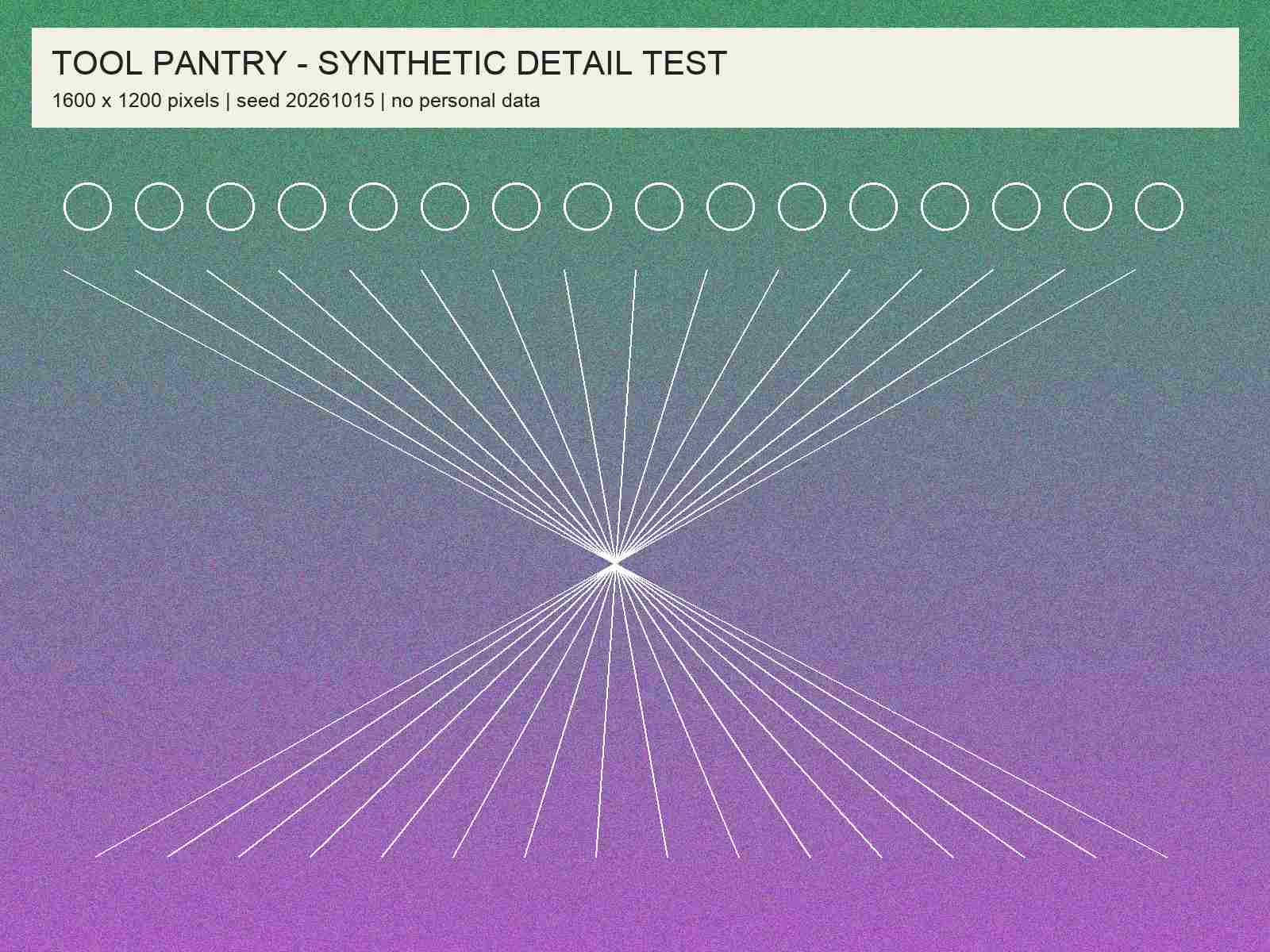
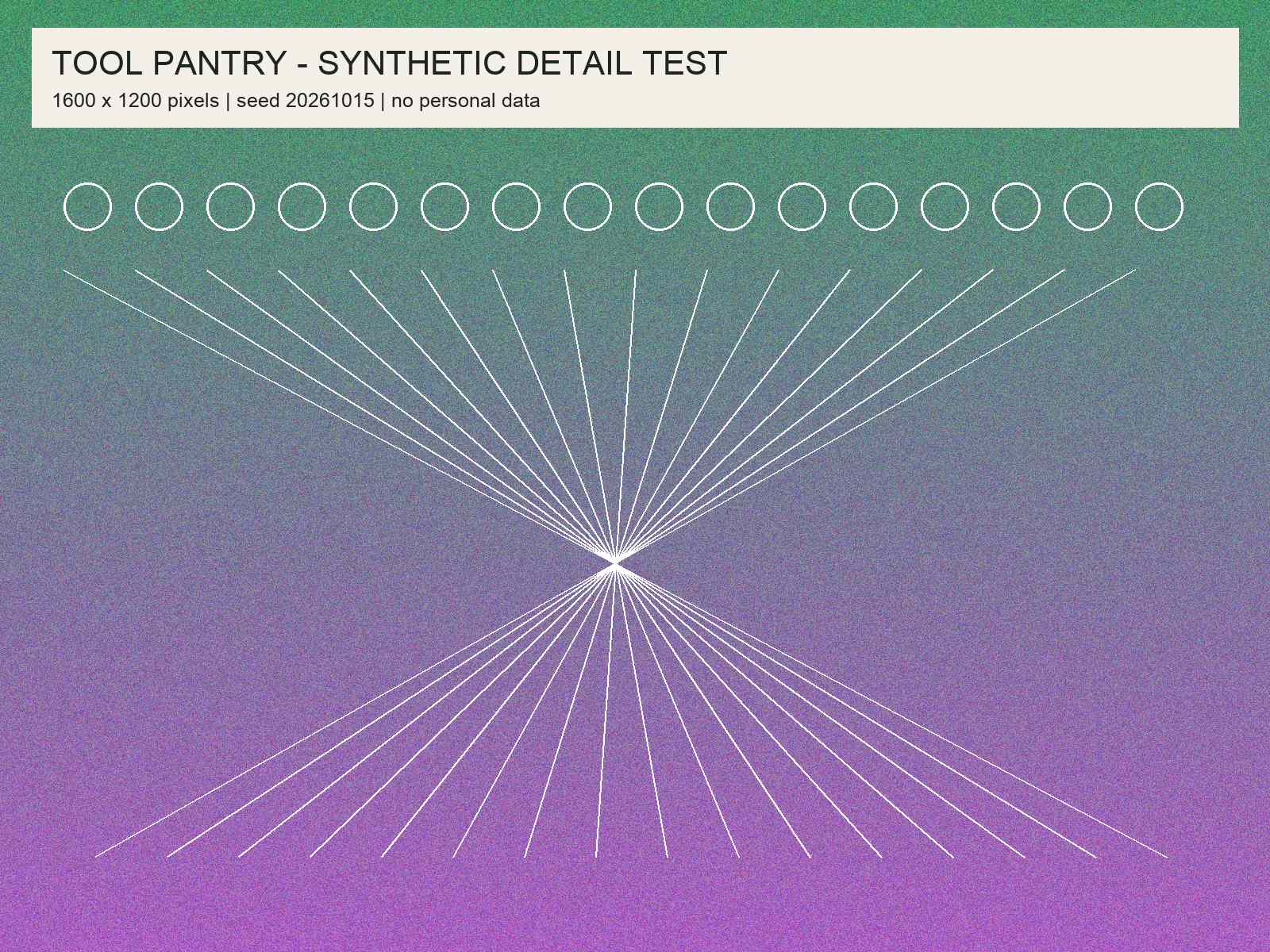
All three use JPG with no required pixel dimensions. The tool first tries the original 1600 × 1200 pixels. This sample needed smaller pixels at 50 KB; the 100 and 200 KB outputs retained the original dimensions.
Exact pixels and honest failure
| Settings | Output | Result |
|---|---|---|
| 50,000-byte ceiling; 300 × 400; whole image with padding | 38,306 bytes; 300 × 400 | Size and dimensions passed |
| 50,000-byte ceiling; 300 × 400; center crop | 48,157 bytes; 300 × 400 | Size and dimensions passed |
| 20,000-byte ceiling; 1600 × 1200 required | 51,000 bytes; 1600 × 1200 | Size failed; required pixels kept and over-limit warning shown |
The already-small 2800 × 400 JPG stayed at 38,181 bytes with identical bytes and original dimensions. The full JSON also records all eight size presets, WebP output, invalid dimension input and the defaults on all ten pages sharing the engine.
HEIC and PDF examples
| Tool / settings | Input | Output | What this checks |
|---|---|---|---|
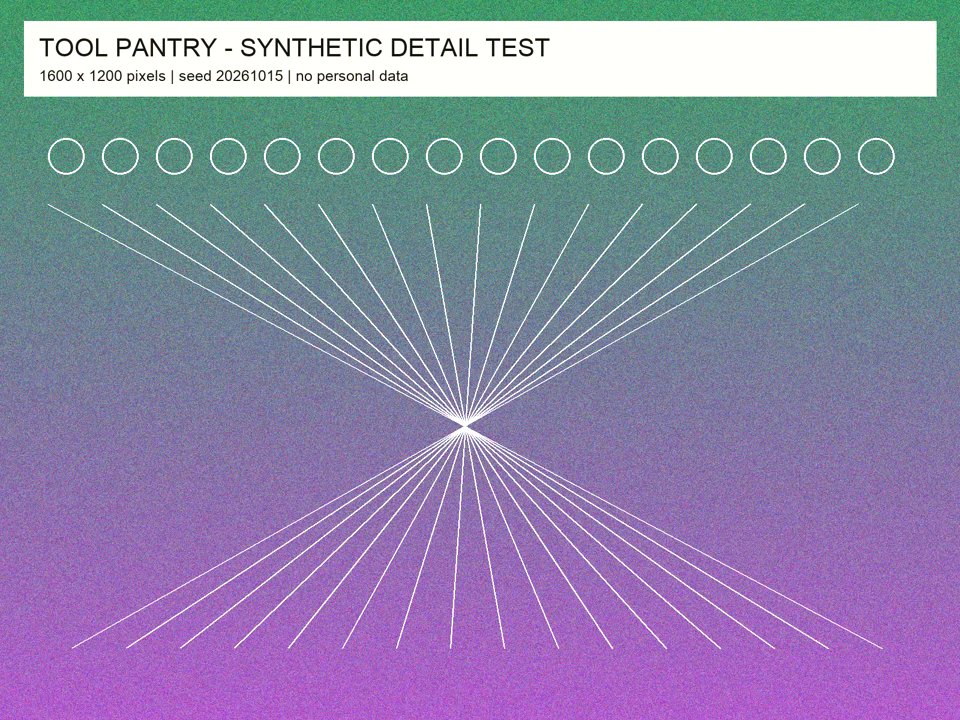
| HEIC to JPG; quality 85% | 289,338 bytes | 204,630 bytes | 960 × 720 pixels retained; synthetic HEIC only |
| Compress PDF; Balanced, 144 DPI, JPEG 0.74 | 2,198,704 bytes | 410,435 bytes | Two pages retained; output is image-only |

Use the result for the right task
A byte ceiling does not certify a passport photo or document submission. Check format, minimum size, pixels, legibility and the destination rules. See our official-source file size reference. PDF compression rasterizes pages, so keep the original for selectable text, links, forms or signatures.
Related guides: Gmail Attachment Size Limit: 25 MB, Drive Links and Compression · HEIC Not Showing in Android Gallery? Find & Convert the Photo · HEIC to JPG on Mac: Finder, Preview, Photos, Terminal or Browser · HEIC to JPG on Windows — No Install, No Upload — the task behind this tool, with the numbers and the limits.
Can I download the original test files?
Yes. The tables link to synthetic inputs and recorded outputs. The input manifest and results JSON include file sizes, hashes, settings and browser details.
Are these typical compression ratios?
No. These are controlled examples on synthetic files. Real photos and scans can compress differently, and encoder output can vary between browsers.
Does a successful size check guarantee form acceptance?
No. Check the destination format, pixel dimensions, minimum size and other requirements. An output that cannot meet the chosen size while retaining required pixels is flagged instead of called successful.