HEIC missing on Android?
Find the file. Make a JPG copy.
A photo missing from the gallery, a file that will not open, and a form rejecting an upload need different checks. Start with the file itself, then choose the next step.
Quick answer: Look in Files → Downloads for the HEIC. If the file is present but the app cannot open it, try another available image app or make a JPG copy. If no complete file was downloaded, conversion cannot recover it.
Updated by the Tool Pantry team on 17 October 2026. Android support details come from Android’s documentation. Our downloadable conversion sample was checked in desktop Chrome; this is not a claim of testing on a physical Android phone.
1. The photo is missing from the gallery
- Open your phone’s Files, My Files or equivalent file manager and check Downloads. App names and menus vary by phone.
- Look for the file you received, including its extension and size. If it is not there, return to the message, email or browser and finish saving the attachment. An empty or incomplete download needs a new copy.
- If the file exists, use its Open with option, when available, to try another image app already on the device. A gallery can omit a downloaded file even when a file manager can find it.
- If the app reports an unsupported format, follow the conversion steps below. Keep the original while checking the new copy.
2. The HEIC exists but will not open
Android’s supported image formats list HEIF decoding from Android 9, with device support marked optional. The system version alone does not guarantee that a particular device, app or HEIF variant will work. The same page lists JPEG decoding across Android versions.
- Open the HEIC to JPG converter in your browser.
- Tap Choose a HEIC photo. In the file picker, browse to the saved
.heicor.heiffile rather than relying only on the gallery’s photo list. - Wait for the JPG preview. The decoder must load on first use; conversion can take longer for a large photo. The tool handles one file per pass and accepts files up to 40 MB.
- Check the preview, then tap Download JPG. Find the result in the browser’s downloads or your Files app. Open the JPG there before trying another app.
If the browser cannot decode the file, keep the original and try an export from the device or app that created it. Renaming .heic to .jpg does not perform a conversion. We cannot guarantee every browser, phone or HEIF variant.
3. The JPG opens, but an upload form rejects it
Check the destination’s rules for format, file size and pixel dimensions separately. A JPG copy solves the encoding requirement; it does not guarantee a small enough file or the required width and height.
Continue to the target-size image compressor when the form has a byte ceiling. Choose the actual limit and enter both required pixel dimensions if the form specifies them. Keep faces and text readable in the final preview. For common limits, see the file-size reference.
A conversion sample you can inspect
Our synthetic HEIC input is 289,338 bytes. Its JPG output at 85% quality is 204,630 bytes; both decode at 960 × 720 pixels. This is a generated chart checked in desktop Chrome, not an iPhone camera photo or an Android device benchmark.

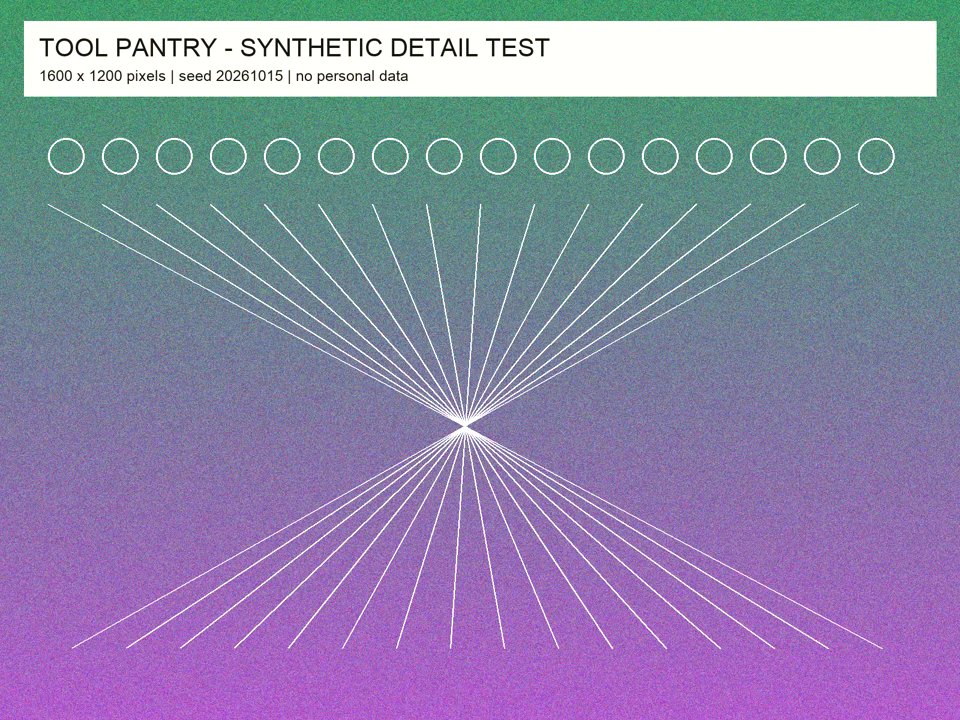
One sample is not a typical compression ratio. JPEG size can increase or decrease depending on the input and settings. See the test method and downloadable results. Keep the original if HDR, depth, color information, metadata or Live Photo video matters.
Prevent the same format mismatch next time
Apple documents Settings → Camera → Formats → Most Compatible for taking new photos as JPEG on supported iPhones. This does not change existing HEIC files. See Apple’s HEIF and HEVC guidance, or ask the sender to export a JPG copy.
Using a computer instead? The Mac guide covers Finder and Preview; the Windows guide covers the PC workflow. Return to the converter when you have located the file.
Does Android support HEIC photos?
The Android platform lists HEIF decoding from Android 9, but device support is optional and apps can differ. A supported Android version does not guarantee that every gallery, editor or upload form will accept the file.
What if the HEIC is not showing in my gallery?
First look for the actual file in Files or Downloads. If it is missing or empty, finish the download or ask for a new copy. If it exists, try opening it with another available image app, or convert it to JPG and check the downloaded copy.
How do I convert a HEIC to JPG on my phone?
Open the HEIC to JPG converter, select the HEIC from your file picker, wait for the preview, and download the JPG. Look in the browser downloads or the Files app for the result. Conversion runs in your browser; no photo upload is required.
Will changing .heic to .jpg fix it?
No. Renaming the extension does not change the image encoding. Export or convert a real JPEG copy, then open that file to check it.
What if an upload form still rejects the JPG?
Check the form’s allowed format, byte limit and pixel dimensions separately. Use the target-size compressor if you need a smaller file or exact pixels, and inspect the saved result before uploading.